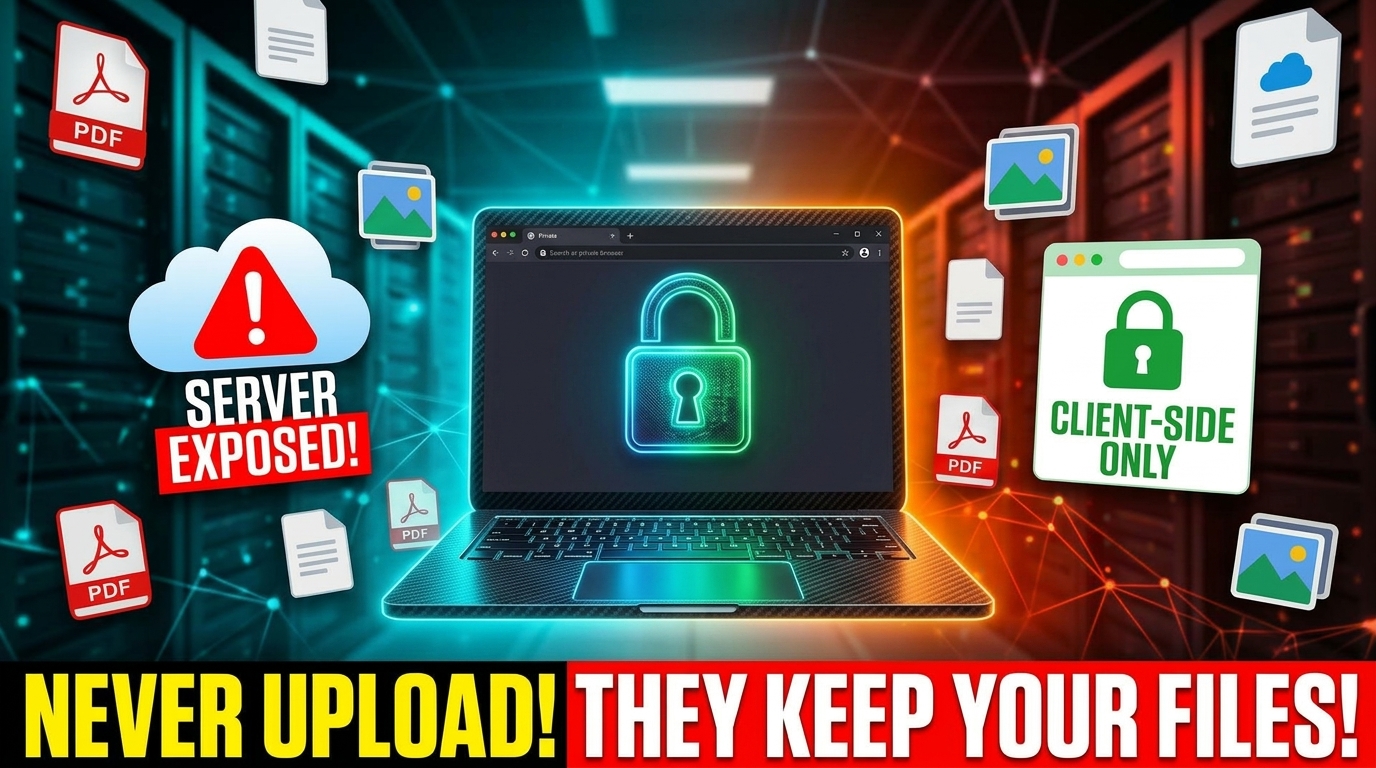
Quick Answer: Most free online tools upload your file to a server, process it there, and delete it later — usually within a few hours. Client-side tools skip that step entirely: your browser does the processing itself, using technologies like the HTML5 Canvas API and WebAssembly, so the file never leaves your device. The difference matters most for sensitive files (financial, legal, or personal documents) and matters least for casual, low-stakes files.
Every time you use a free tool online — to compress an image, merge a PDF, or format some code — something happens that most people never think about: your file gets uploaded to a server somewhere before you get your result back.
Most of the time, that's completely fine. But it's worth understanding what "fine" actually means, because not every file you process is one you'd want sitting on someone else's server, even briefly.
What Actually Happens When You Use a "Server-Side" Tool
When you drop a file into most free online tools, here's the typical flow:
- Your file uploads from your device to the tool's server
- The server processes it (compresses, converts, merges — whatever the tool does)
- The result gets sent back to you
- The original file sits on that server for some period of time before being deleted
That last step is the part worth paying attention to. Reputable tools usually delete files within a few hours. Some are upfront about the exact window — for example, several popular PDF tools state they delete uploaded files after 1-2 hours. Others are vaguer, or don't say at all.
During that window, your file exists somewhere outside your control. For a random meme you're resizing, that's a non-issue. For a signed contract, a tax document, or a file with someone else's personal information in it, it's worth a second thought.
What "Client-Side" Actually Means
A client-side tool does the entire job inside your own browser, using your device's own processing power. Nothing gets uploaded anywhere.
This is possible because modern browsers are genuinely capable computing environments. Technologies like the HTML5 Canvas API (for image processing), WebAssembly, and JavaScript libraries that run entirely in-browser can now handle tasks that used to require a server — compressing images, parsing PDFs, formatting code, generating QR codes, and more.
When a tool is built this way, your file never leaves your device. There's no upload step, no server storage, and nothing to delete later — because it was never sent anywhere in the first place.
Why This Distinction Is Easy to Miss
Most tools don't make this distinction obvious. Visually, a client-side tool and a server-side tool can look identical — same upload box, same "processing" spinner, same download button. The difference is invisible unless you know to look for it (or check your browser's network activity, which most people understandably don't).
A few practical signs a tool might be server-side:
- It has a visible file size limit tied to a "free" vs "paid" tier (a common sign the file is being processed on infrastructure that costs the provider money per file)
- It has an hourly or daily usage limit
- Processing takes several seconds even for a small file, suggesting a round-trip to a server
- Its privacy policy mentions file retention periods
None of these automatically mean a tool is untrustworthy — plenty of well-run services handle this responsibly. But it does mean your file, even briefly, existed somewhere you don't control.
When This Actually Matters
For low-stakes files — casual images, public documents, test data — the difference between client-side and server-side processing is mostly academic.
It starts to matter more with:
- Financial documents (tax forms, bank statements, invoices with account details)
- Legal documents (contracts, signed agreements)
- Anything with personal information about you or someone else (IDs, medical forms, HR documents)
- Proprietary or confidential work files you wouldn't want on an unknown third party's infrastructure, even temporarily
In these cases, knowing whether a tool processes files locally isn't paranoia — it's a reasonable question to ask before uploading anything.
The Trade-Off Worth Knowing About
Client-side tools aren't strictly better in every way. There's a real trade-off:
Server-side tools can do things client-side tools sometimes can't — particularly tasks that need heavy computational power beyond what a typical browser/device can handle, or that rely on large models and databases that can't reasonably run in a browser tab (some AI-powered background removal tools, for instance, often need server-side processing).
Client-side tools are limited by your own device's power. A very large file on an older or lower-powered device may process more slowly than it would on a beefy server. In practice, for most everyday tasks — compressing a typical image, formatting some JSON, generating a QR code — this difference is barely noticeable. It becomes more relevant only with very large files or highly complex processing.
The right choice depends on what you're doing and what's in the file.
What This Looks Like in Practice
Every tool on EverTools that can run entirely in your browser, does. Image compression, PDF editing, JSON formatting, password generation, text tools — all of it processes locally using your browser's own capabilities. Nothing gets uploaded to our servers, because for these tasks, there's no need for it to.
This also happens to solve a second, more mundane problem: since we're not paying for server processing time per file, there's no reason to impose the file-size caps or hourly limits that many "free" tools use to nudge people toward a paid tier. Your device does the work, so the constraints are your device's, not ours.
A small number of tools — ones that genuinely require a live data connection, like a currency converter pulling real-time exchange rates — do need a server round-trip for that specific piece of data. Those are the exception, not the default, and they only transmit the minimum needed for that function (an amount and a currency code, not a file).
Frequently Asked Questions
Is it safe to use free online tools for sensitive documents?
It depends entirely on whether the tool processes files server-side or client-side. If a tool is server-side, your file is uploaded and temporarily stored on their infrastructure, even if briefly. If a tool is client-side, your file never leaves your device, which removes that risk entirely regardless of how sensitive the file is.
How can I tell if a tool is client-side or server-side?
Common signs a tool is server-side include file-size limits tied to a free plan, hourly or daily usage caps, a noticeable delay while "processing," and a privacy policy that mentions file retention periods. A tool that states outright that it works "100% in your browser" or "client-side" is typically not uploading your file anywhere.
Do client-side tools work without an internet connection?
Often yes, once the page and its tool code have loaded, since the actual processing (compressing an image, formatting text, generating a QR code) happens using your browser's own resources rather than a server. Some tools may still need an initial connection to load the page itself.
Are server-side tools always less private?
Not necessarily untrustworthy, but always a step further from full privacy than client-side processing. Reputable server-side tools typically delete files quickly and have clear privacy policies. The difference is that with client-side tools, there's no server-side storage step to trust in the first place, because the file was never uploaded.
Why don't all online tools work client-side?
Some tasks genuinely require server-side processing — particularly ones relying on large AI models, extensive databases, or computational power beyond what a typical browser and device can handle. AI-powered background removal or live currency conversion are common examples where a server round-trip is currently necessary.
The Takeaway
You don't need to audit every tool you use online. But it's worth knowing the difference exists, and worth checking — especially for anything sensitive — whether a tool processes your file locally or sends it off to a server first.
If it's local, your file never left your hands. If it's not, it's worth knowing where it went, and for how long.