Why Image Optimization is Critical for Core Web Vitals
Modern websites are visual. However, images consistently represent more than 60% to 75% of the total byte weight transferred during a typical page load. When multi-megabyte hero banners, blog headers, or product galleries load unoptimized, they severely penalize your site's Core Web Vitals.
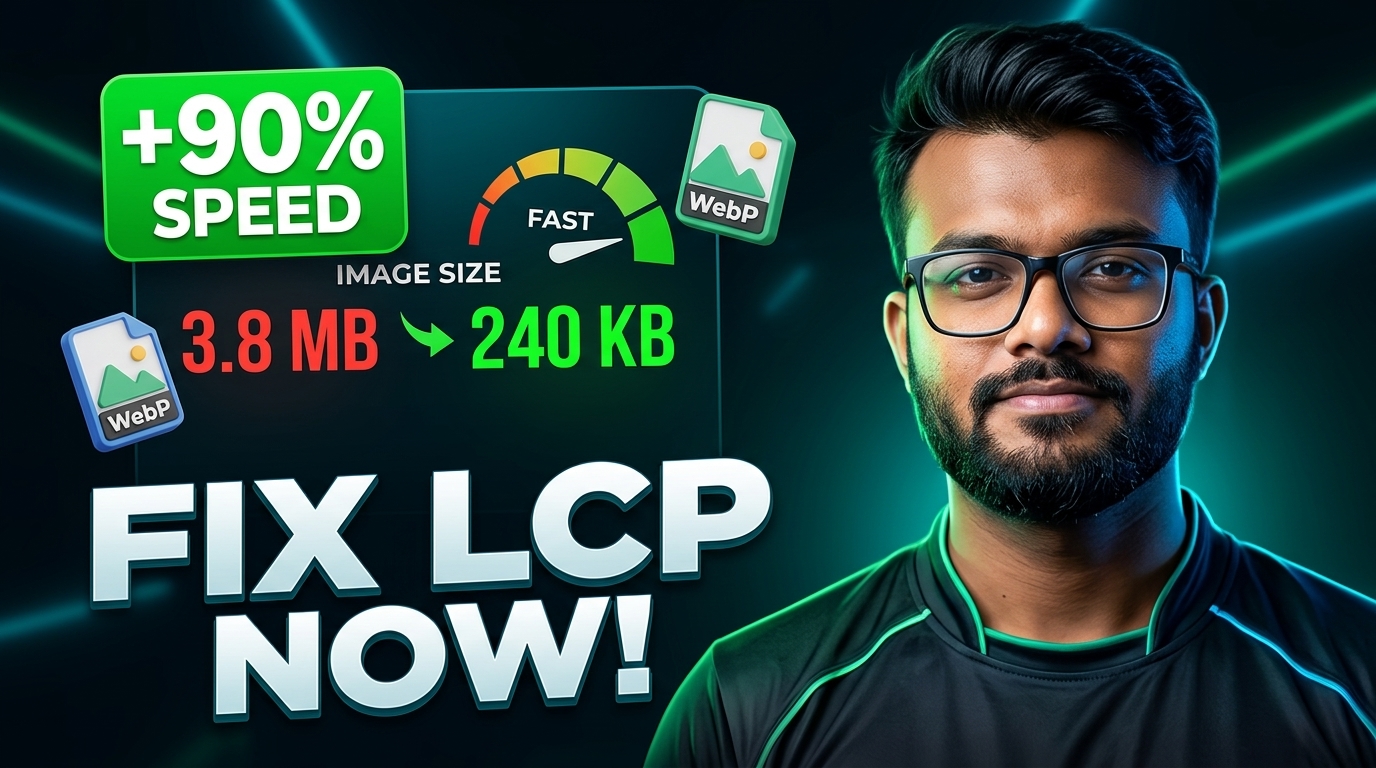
Google explicitly evaluates real-world user experience metrics when calculating search ranking signals. Among these metrics, Largest Contentful Paint (LCP) carries the highest performance weight:
- Good (Fast): LCP renders in under 2.5 seconds.
- Needs Improvement: LCP renders between 2.5 and 4.0 seconds.
- Poor: LCP exceeds 4.0 seconds.
In over 80% of diagnostic audits, the element identified as the LCP candidate is an uncompressed image—most frequently a top-of-the-fold banner or hero illustration. Optimizing these assets yields immediate, measurable improvements in organic ranking and conversion rates.
Key Image Optimization Techniques
Achieving sub-second image rendering does not require sacrificing crisp graphics. By adopting three core strategies, you can minimize bandwidth without visible degradation.
1. Adopt Next-Generation Formats (WebP & AVIF)
Legacy image formats like PNG and JPEG were developed decades ago. While universal, their encoding structures produce unnecessarily bloated file sizes:
- WebP: Developed by Google, WebP provides 25% to 35% superior compression compared to JPEG at equivalent perceived quality, while supporting alpha transparency and progressive decoding.
- AVIF: An open, royalty-free format backed by the Alliance for Open Media offering remarkable compression ratios, particularly on complex photographs.
Converting existing assets into WebP is one of the highest-leverage optimizations you can perform.
2. Lossy vs. Lossless Quantization
Many publishers default to 100% quality settings, unaware that human perception cannot discern subtle frequency shifts in pixel blocks:
- High-Frequency Discarding: Setting quality between 75% and 82% removes high-frequency variations that are invisible to the naked eye but inflate file size.
- Metadata Stripping: Unprocessed digital camera shots often contain hundreds of kilobytes of EXIF metadata (lens settings, GPS coordinates, thumbnail caches). Stripping this metadata significantly lightens the asset.
3. Match Render Dimensions to Viewport Limits
Never serve an image that is physically larger than its maximum CSS display width. Serving a 4000x3000px photograph inside a container that caps at 800px forces the browser to download superfluous pixels before scaling them down.
- Always resize large photography to the maximum target display width before compression.
- Provide explicit
widthandheightHTML attributes to eliminate Cumulative Layout Shift (CLS).
Step-by-Step Optimization Workflow With EverTools
You can optimize your entire visual workflow directly in your browser without uploading files to remote third-party servers:
Step 1: Scale Your Canvas
If your raw screenshot or photograph exceeds 2000 pixels in width, use the EverTools Image Resizer to crop or scale the asset to your maximum content container width (typically 1200px for blog banners or 800px for inline content).
Step 2: Convert to Modern WebP
Run the scaled image through the EverTools Image Converter to transform older PNGs or JPEGs into modern WebP format.
Step 3: Apply Client-Side Quantization
Open the EverTools Free Online Image Compressor. Set your target quality slider between 78% and 84%. Because all processing executes locally via HTML5 Canvas and WebAssembly, your confidential files never leave your computer, and you receive an immediate preview with byte savings calculated in real time.
Summary Checklist for Production Deploys
Before publishing any web page or article, verify that your media checklist satisfies the following criteria:
- ✓Formats converted to WebP or AVIF whenever supported.
- ✓File sizes kept under 150 KB for hero banners and under 70 KB for thumbnails.
- ✓Explicit width and height attributes declared on
<img>elements. - ✓Above-the-fold hero images tagged with
priority(orfetchpriority="high"). - ✓Below-the-fold media configured with native
loading="lazy".