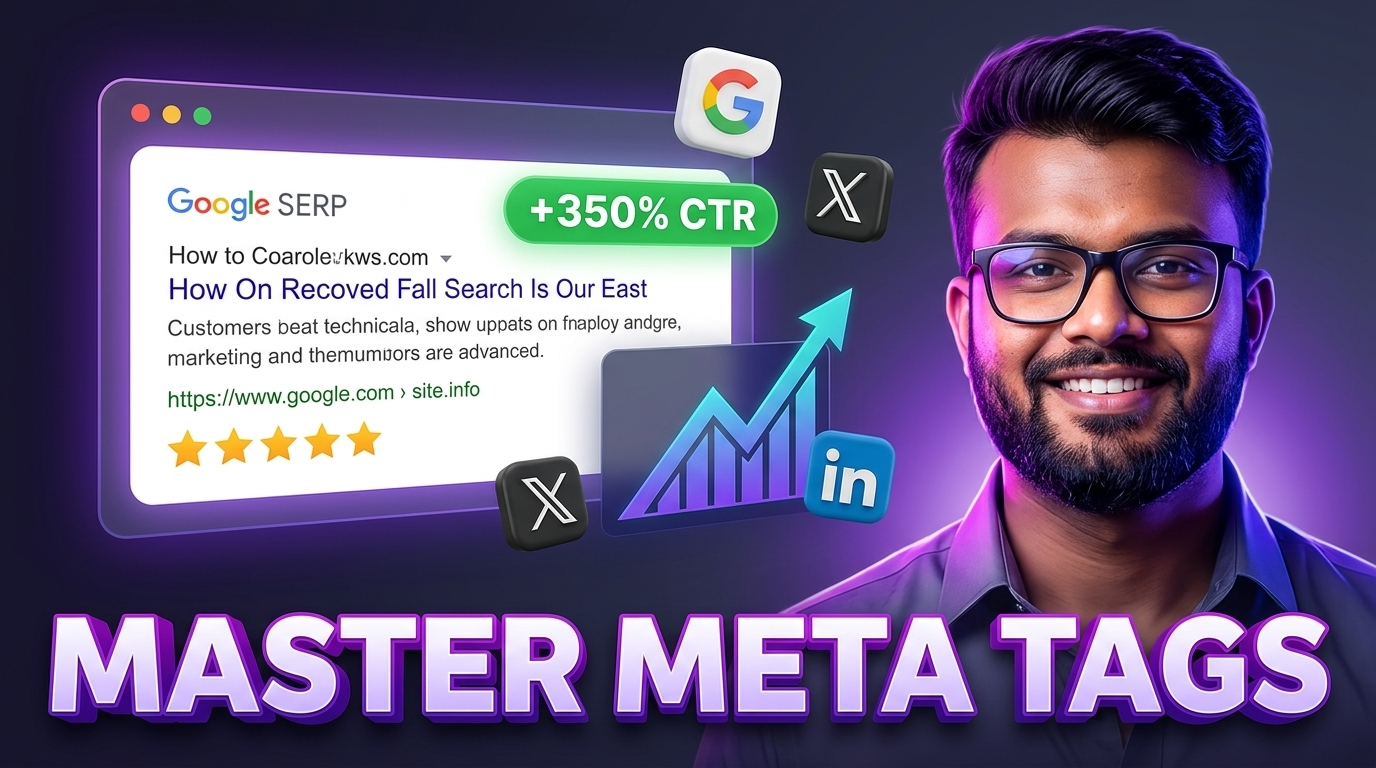
Why Meta Tags Are Your Most Critical Digital Billboard
When searchers browse Google or colleagues share your links on Slack, WhatsApp, LinkedIn, or X (Twitter), they rarely see your raw web page first. Instead, they interact with a preview snippet compiled from your document's HTML <head> metadata.
Well-crafted meta tags serve two indispensable business purposes:
- Search Engine Visibility (CTR): Search snippets convince users that your link answers their exact query better than nine competing options on page one.
- Social Graph Optimization: Open Graph tags prevent broken link previews, ensuring rich card images and clear headlines appear across feeds.
Essential Search Engine Meta Directives
Search engine crawlers parse your HTML tags to index topical relevance and construct SERP snippets.
1. The Title Tag (<title>)
The title tag is the single most influential on-page SEO element you control.
- Optimal Length: 50 to 60 characters (approximately 580 to 600 pixels in Google's rendering font).
- Formula:
Primary Keyword - Secondary Benefit | Brand Name - Best Practice: Place your primary keyword near the beginning of the title to prevent truncation on mobile screens.
2. The Meta Description (<meta name="description">)
While Google confirmed that meta descriptions are not a direct algorithmic ranking factor, they directly drive Click-Through Rate (CTR). A compelling description functions as free advertising copy.
- Optimal Length: 120 to 155 characters. Descriptions over 160 characters are truncated with an ellipsis (...).
- Best Practice: Include an active verb, a concise value proposition, and a clear call-to-action (e.g., "Calculate instantly in your browser").
3. Canonical Tags (<link rel="canonical">)
Canonical tags prevent duplicate content penalties that arise from tracking query strings (?utm_source=), sorting parameters, or multiple URL variations pointing to identical content.
<link rel="canonical" href="https://evertools.org/seo-tools/meta-tag-generator" />Social Graph Optimization: Open Graph & Twitter Cards
In 2010, Facebook introduced the Open Graph protocol to standardize how web pages are visualized across social applications. Today, LinkedIn, Slack, Discord, and Pinterest all rely on Open Graph markup.
Core Open Graph Tags
<meta property="og:type" content="article" />
<meta property="og:title" content="Mastering Meta Tags: Open Graph, Twitter Cards, and Search CTR" />
<meta property="og:description" content="Learn how to construct high-converting meta tags to dominate organic search and social feeds." />
<meta property="og:url" content="https://evertools.org/blog/mastering-meta-tags-for-seo-and-social-sharing" />
<meta property="og:image" content="https://evertools.org/blog/meta-tags-guide.svg" />
<meta property="og:site_name" content="EverTools" />
Open Graph Image Sizing Rules
- Resolution: 1200 x 630 pixels (a 1.91:1 aspect ratio).
- File Weight: Keep below 1 MB to guarantee rapid caching by social scrapers.
- Safe Zone: Keep key typography and logos centered within the inner 1000x500px area to prevent cropping on mobile feeds.
Twitter (X) Card Directives
While X will fallback to Open Graph tags if absent, declaring explicit Twitter card directives gives you granular control over card formats:
<meta name="twitter:card" content="summary_large_image" />
<meta name="twitter:title" content="Mastering Meta Tags: Open Graph, Twitter Cards, and Search CTR" />
<meta name="twitter:description" content="Discover character limits and snippet secrets to maximize click-through rate." />
<meta name="twitter:image" content="https://evertools.org/blog/meta-tags-guide.svg" />
Automated Verification Workflow
Never deploy a new marketing page or blog post without validating its social and search metadata:
- Generate Markup: Use the EverTools Free Meta Tag Generator to draft compliant title, description, and social meta tags in real time.
- Preview Social Cards: Test how your links will render on Facebook, LinkedIn, and Twitter using the EverTools Open Graph Preview Tool.
- Verify Indexing Permissions: Ensure your robots configuration does not block crawler access to your Open Graph image assets by testing with our Robots.txt Generator.